
What technical equipment is necessary for completing the Racking Inspection Training Online course?
To complete the Racking Inspection Training Online course, you need a computer, laptop or tablet with a reliable internet connection, a modern web browser and working audio. A keyboard or touchscreen is required for navigation and assessments; headphones are recommended, while a webcam is only needed if requested for course participation or identity checks.
The Racking Inspection Training Online course can be completed using a desktop computer, laptop or tablet with a reliable internet connection, a current web browser, working audio and a keyboard or touchscreen. Headphones are recommended for clear sound. A webcam is not normally essential unless it is specifically requested for a live session, identity check or other course activity.
Essential equipment
- Computer, laptop or tablet: Use a device that can run the course platform, display written material and play video content without interruption. A desktop computer or laptop may be more suitable if you need to make detailed notes or complete assessments using a keyboard.
- Reliable internet connection: A stable connection is needed to load course pages, stream training content, submit assessments and record your progress. If your connection is shared with other users, avoid completing important assessments while the network is heavily occupied.
- Current web browser: Use a supported, up-to-date browser with cookies and JavaScript enabled where required by the learning platform. Keeping the browser and device operating system updated helps prevent display, playback and login problems.
- Audio output: Your device must have working speakers or an audio connection so you can hear video narration, instructions and any recorded material. Test the volume before starting a module.
- Keyboard or touchscreen: You will need a way to select answers, move through the course, enter information and complete any assessments. A physical keyboard and mouse can make extended study more comfortable, although a touchscreen may be suitable on a compatible tablet.
Headphones and webcam
Headphones are not usually compulsory, but they are useful when studying in a shared workplace or other environment where background noise may affect concentration. They can also make spoken content easier to hear without disturbing colleagues.
A webcam is only required if the course instructions or a member of the training team asks you to use one. This might apply to a live learning activity, an identity verification process or a specific assessment arrangement. If a webcam is needed, check that it is connected, recognised by your browser and positioned to provide a clear image before the activity begins.
Recommended study setup
- Choose a quiet, adequately lit location where you can concentrate on the training.
- Keep your device connected to power, particularly when using a tablet or laptop.
- Use a full-screen view where appropriate so diagrams, inspection examples and assessment questions are easy to read.
- Have a method available for making notes, such as a notebook or digital document.
- Allow browser notifications, pop-ups or downloads only where the course platform requires them, and follow your organisation’s IT and information-security policies.
The course does not require specialist inspection instruments or physical warehouse equipment simply to access and complete the online learning. Any practical inspection methods, hazard-recognition principles and reporting procedures are explained within the training. Where the course includes a practical element or your employer has arranged additional verification, you will be told in advance if any workplace equipment or further technology is needed.
Before you begin
Log in before starting the first module and check that course pages open correctly, audio plays and assessment controls respond to your keyboard, mouse or touchscreen. If your organisation uses restricted networks, security software or managed devices, ask your IT team to confirm that the learning platform is accessible. Contact Able Racking if you experience a technical problem that prevents you from accessing the training, rather than repeatedly submitting an assessment or continuing with missing content.
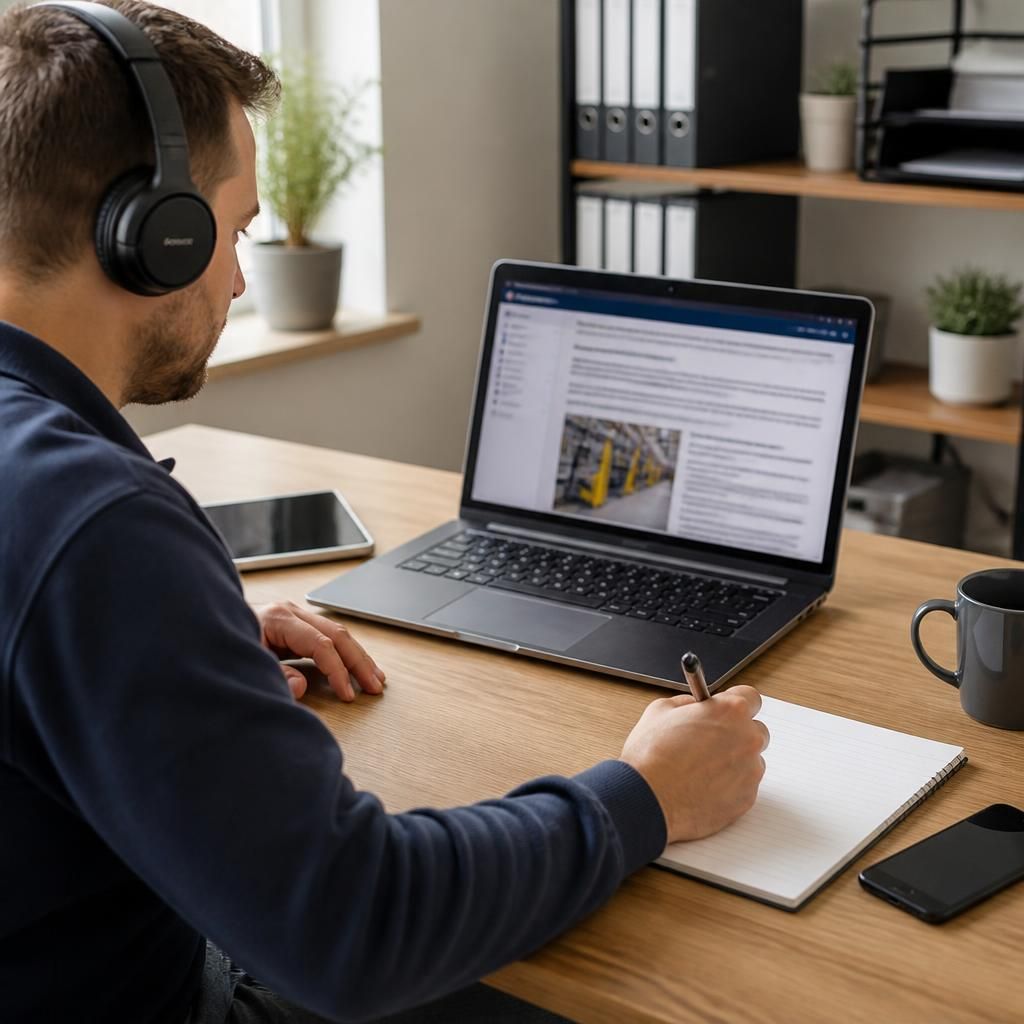
The online Racking Inspection Training course requires standard digital equipment rather than specialist inspection instruments. A desktop computer, laptop or compatible tablet with reliable internet access, an up-to-date web browser, working audio and a keyboard or touchscreen is sufficient for viewing lessons and completing assessments.
Headphones can improve clarity in shared workplaces, while a webcam is only needed if the course team requests it for a live activity or identity check. Before starting, test that the learning platform loads correctly, video and audio play, and assessment controls respond properly. Any practical equipment required for an arranged workplace activity will be confirmed in advance.
Start Your Racking Inspection Training Online
Begin your Racking Inspection Training Online course using a computer, laptop or compatible tablet with reliable internet access and working audio. Check your device and browser before starting, then contact Able Racking if you need help accessing the training platform.